
I’m writing an image editor in Rust in my spare time with my buddy Claude Code. It’s called Pixtorium, and it descends from Picture Man, a popular image editor of the 90s that I helped develop early in my career. This post isn’t about that history. It’s about how to test an application that has no DOM and no buttons you can find with a selector.
The editor is built on egui/eframe: one codebase that compiles to a native app and to WebAssembly. The whole interface is a single canvas that is redrawn every frame. The usual “open the page, click, assert” doesn’t work here.
The app is tested anyway, and an AI agent, Claude Code, is part of the testing. The idea is simple: make the application readable and drivable by a program. Then one harness serves the automated tests, screen readers and the agent.
The editor itself is closed source, so I put the idea into a small open example: egui-agent-testing. It’s a notes app on egui with an agent driver and the same kind of walker tests. Everything below can be run there.
1. Hands and eyes: a driver over MCP
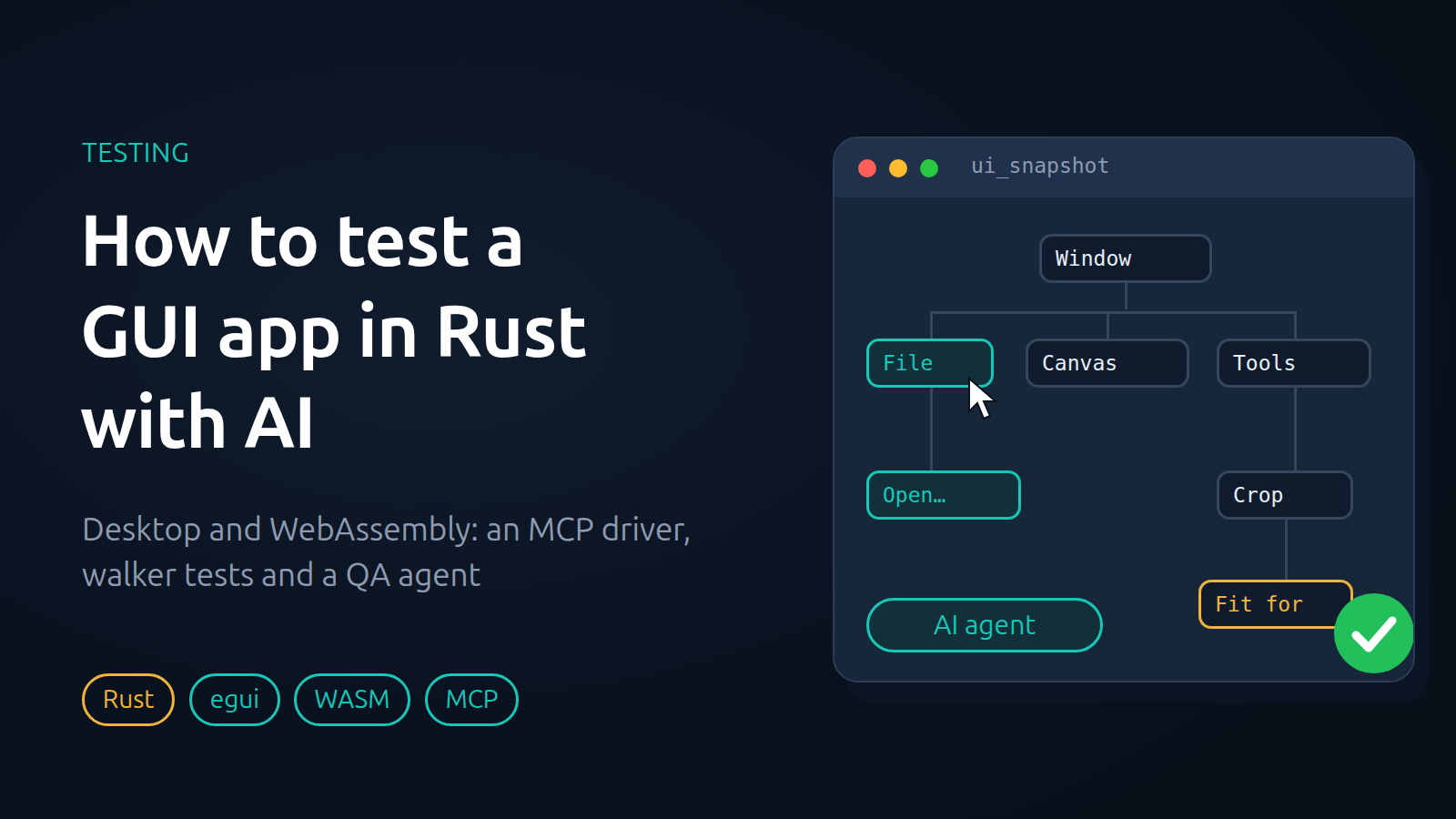
The native app starts with a --driver PORT flag and serves an MCP server on that port. Besides the editor’s own tools, it exposes a set of ui_* tools:
ui_snapshotreturns the window’s accessibility tree. Every element gets a short id likee12that the other tools refer to;ui_click,ui_type,ui_press,ui_dragandui_scrollperform actions and wait until the app settles;ui_screenshot,ui_wait_forandui_statelet the agent look at the result and wait for it.
This is a snapshot of the editor right after it starts (the top of the list):
- button "File" [ref=e3]
- button "Edit" [ref=e47]
- button "Select" [ref=e43]
- button "Image" [ref=e18]
- button "Adjust" [ref=e83]
- button "Filters" [ref=e56]
- text "Open an image to start (Ctrl+O), or drop files on the window" [ref=e42]
- text "Ask the assistant" [ref=e51]
- textinput [ref=e64]
- button "Move (V)" [ref=e31]
- button "Rectangle (M)" [ref=e20, selected]
- button "Open a picture…" [ref=e39, selected]
- button "Try a sample" [ref=e99]
- combobox value="English" [ref=e27]
For the agent this is an ordinary toolset: show me what’s on screen, click “File”, type some text. It all rests on the accessibility tree. egui builds it through AccessKit, and if every element is named sensibly, the agent needs neither coordinates nor image recognition.
In the WASM build the same thing is available as window.pixtorium when the URL has ?driver: snapshot(), click('File'), key('Ctrl+N'), state(), idle(). Nothing may block in a browser, so there is no server there, just plain page calls, and the call-planning code is shared with the desktop. To make the interface visible to the browser and to screen readers, a real accessibility tree is built on top of the canvas: menu items are real page buttons placed exactly over their spots on the canvas.
In the open example the driver is about three hundred lines and works the same way in both builds. It’s a cut-down version: no screenshots, no dragging, and no check that a menu or window covers a button before it clicks.
2. Tests of the interface, without a window
For ordinary end-to-end tests I use egui_kittest: the app runs without a window, and elements are found by role and label, like in Testing Library.
r.h.get_by_label("Add a watermark").click();
r.h.get_by_label("Watermark text").type_text("© Me");
More than three hundred of these run in two and a half minutes. But the speed isn’t the point. The point is the agreement behind them: every element has a name, and a test checks that. The names pay off three times: in the tests, in the screen reader, and in the driver the agent uses.
3. Walkers: check everything, not what you happened to think of
The most useful tests don’t check a particular button. They check a property of the whole interface, by going through everything:
every operation panel opens in turn; every element has a name, and no two elements overlap (except nested ones);
every toolbar at widths from narrow to wide: words don’t collide and don’t run past the edge;
the command search: type the name of every operation as it is written, and check the command is found. That’s how I learned that “black & white”, with the ampersand, wasn’t found;
every menu item: the ellipsis is where the command asks for parameters.
Here is the overlap walker from the editor, abridged:
#[test]
fn no_two_controls_of_an_operation_panel_overlap() {
    use egui::accesskit::Role;
    let mut r = start(&[("a.png", 80, 60)], "");
    let mut bad = Vec::new();
    for op in pixtorium::engine::catalog::all() {
        r.h.state_mut().open_operation_for_test(op.name);
        r.h.run_steps(2);
        let rects: Vec<(String, egui::Rect)> = r.h
            .query_all_by(|n| matches!(n.role(),
                Role::Button | Role::Slider | Role::ComboBox
                | Role::CheckBox | Role::TextInput | Role::SpinButton))
            .map(|n| (
                format!("{:?} {:?}", n.accesskit_node().role(),
                        n.accesskit_node().label().unwrap_or_default()),
                n.rect(),
            ))
            .collect();
        // ... sliders scrolled out of view are dropped here ...
        for (i, (a, ra)) in rects.iter().enumerate() {
            for (b, rb) in &rects[i + 1..] {
                let both = ra.intersect(*rb);
                // a value box inside a slider: one holds the other
                let nested = ra.contains_rect(*rb) || rb.contains_rect(*ra);
                if !nested && both.width() > 2.0 && both.height() > 2.0 {
                    bad.push(format!("{}: {a} over {b}: {both:?}", op.name));
                }
            }
        }
        if let Some(c) = r.h.query_by_label("Cancel") { c.click(); r.h.run_steps(2); }
    }
    assert!(bad.is_empty(), "{bad:#?}");
}
One test walks the whole catalog of operations and checks every panel. A new operation falls under it without a single new line.
Two rules I arrived at through my own mistakes.
Check that the walk wasn’t empty. If a walk finds nothing, the test passes and proves nothing. So a walker should assert “at least N elements were checked”. In the open example, every walker does.
A test must fail on the old code. Before I commit, I revert the fix and make sure the test goes red. Here is how that went in the example. I wrote the app, wrote the walkers and ran them. They failed twice. First, the text field had no name: to a screen reader or an agent it was anonymous. Second, in a 300-pixel-wide window the settings panel overlapped the list of notes. I wasn’t looking for these defects; the walkers found them. The fixes were naming the field with labelled_by, and showing the settings across the whole window when it’s narrow. After that the tests went green. There’s also a check in the other direction: the test the_walker_catches_an_overlap builds a layout that is broken on purpose and demands that the walker report it.
4. Languages: a pseudo-language and eight translations
The editor has eight languages, including Arabic and Japanese. A pseudo-language helps: all strings are turned into longer artificial text, so you immediately see strings that weren’t wrapped for translation, and places where a long translation doesn’t fit. Then the same walk (words don’t overlap and don’t leave the screen) is run in each of the eight languages. This finds bugs that are almost impossible to see by hand. For example, the keyboard-shortcuts window with long text ran past the edge of a small screen.
5. WASM separately: checks in the browser
I check the web version in headless Chrome with a Node script. The script doesn’t check that the page opened. It checks the properties that break only on the web:
at most 8 frames a second when idle with no animation (otherwise battery and fan);
page memory under 1 GB with a 30-megapixel picture open;
during a heavy operation on a 24-megapixel picture, the page keeps drawing frames and doesn’t freeze;
on a weak graphics card (I simulate
MAX_TEXTURE_SIZE4096 and no WebGPU) the editor still starts;when storage is blocked, the app says so in words and doesn’t crash;
screenshots are compared with reference images.
All of it runs with one command, together with the other checks: scripts/gate.sh --web.
6. The AI agent as a tester
Once the app is readable and drivable, you can let an agent loose on exploratory testing. Without it, you won’t find the bugs you didn’t think of. It’s the old manual testing, where a person sits and presses every button in turn. It became too expensive and so rare. With an agent it is available again.
I described the general idea (why you would let an agent do exploratory testing at all, and how it keeps a log of known problems and checks the fixes) in a separate post, Exploratory Testing Got Cheap. This post covers only what it takes to make that work on an app with no DOM.
How the task is set
The role takes one line:
Perform ad hoc testing from the perspective of a novice user. Pay attention to usability, clarity, aesthetics of the GUI.
Everything else lives in a /qa-loop command for Claude Code. I run it at night when I can, with a hard deadline (/qa-loop <duration>). It works in rounds, one after another, until the time is up, and a cron job every ten minutes only revives the loop if the session has died. In each round the agent picks one of two things:
Fix. If there is an open bug it can take, it takes it. It first updates the requirements in
docs/requirements/, then writes the minimal fix and a test that fails without it. It commits only whenscripts/gate.shreturns exit code 0.Look. If there is nothing to fix, it builds the app, drives it through Playwright at different window sizes (desktop, a short window, a phone, light and dark theme), and files tickets with exact steps to reproduce.
What it found
I didn’t run it every night, but almost every run found something. Over 18 days the tracker collected 261 tickets: 159 labeled “found in usability testing” and 144 labeled “bug” (some have both). Tickets appeared on 13 of those 19 days. In the first week the obvious problems came in a stream, more than fifty in one day. After that the stream thinned to a few tickets a day but didn’t dry up: the agent stops finding what anyone would find, and starts finding what a person wouldn’t have reached in a month.
Typical finds: a slider showing “0” instead of “Auto”, text overlapping in the assistant panel, menu items that the command palette couldn’t find. And walkers grow out of the tickets: each one closes a whole class of mistakes, not one case.
Here is a ticket the way the agent filed it.
Command palette misses common words: resize, remove background, denoise, crop, text, black and white
Ctrl+K finds commands by their own names only, so the words people type first find nothing. Expected: the palette knows common synonyms (resize/scale, denoise/noise, grayscale/monochrome, cutout/remove background) and the tools, and ranks a title match above a description match.
What the agent typed and what it got:
resize: nothing matches. Expected: Image › Size…
remove background: nothing matches. Expected: Layer › Remove background
denoise: nothing matches. Expected: Filters › Reduce noise
black and white: Graphic pen, Levels, Light… (no Black & white). Expected: Adjust › Black & white first
text: Texture, textured color… Expected: the Text tool (T)
sharpen: Blur first. Expected: Unsharp mask, Smartsharp first
What else you have to allow for
False tickets happen, but rarely, and in my experience no more often than with human testers. The usual causes: a flaky click, a stale build, browser contexts that were never closed and ran WebGL out of memory, and the “bug” turns out not to be one. So the instructions carry a plain rule: before you file a ticket, rule out drift in the test environment.
A sandbox. The agent starts a separate instance of the editor with its own settings file and no model keys, so that a stray click can’t go to the cloud or to a local model.
The exit code. An agent tends to read the tail of the output and call a run a success. A failed run is easy to mistake for a passing one, so success is judged by the exit code only.
The loop can stop silently. If an agent’s reply contains no tool call, the turn ends and nothing wakes it up again. One run sat idle for 410 minutes that way. So every message inside the loop has to contain a tool call, and the cron job brings the loop back if it dies anyway.
The machine’s resources. Minimize the window or lock the screen, and every GUI action starts taking seconds.
What it costs
Almost nothing, if you’re on a subscription and not paying per token. I work with Claude Code myself during the day, and at night the subscription sits idle. The test loop runs then, doesn’t eat my limit, and doesn’t need a separate payment. Ordinary manual testing can’t be done “in idle time”: it needs a person.
What follows from this
First make the app observable (accessibility tree, state, screenshots). Then make it drivable (one set of commands for both the agent and the automated tests). Then write walkers for properties. Only after that, send the agent out to find what you didn’t think of. You can change its role: a beginner, a journalist writing a review, a photographer.
The driver and the walkers in simplified form: egui-agent-testing. The editor all this runs on is Pixtorium (desktop and browser): pixtorium.com. If you want to know how the driver or the walkers work, ask in the comments.